Storage Quotas: How They Work and How to Manage Them
Storage Quotas: How They Work and How to Manage Them

A storage quota is a cap on how much space, and sometimes how many files, a user, group, project or whole account may consume. Once you hit a hard quota, new writes fail until you free space or the limit is raised. For a production team that means a stalled export or a blocked upload on delivery day. This guide explains the types of quotas, what happens at the limit, and how to manage quotas across shared projects before they interrupt work.
TL;DR
- A quota is a limit you are allowed to use. Capacity is what exists, and usage is what you have already consumed. The three are different numbers.
- Hard quotas block writes. Soft quotas allow a grace period. Thresholds warn you before either one bites.
- Quotas can stack across user, group and project levels, and the tightest one wins.
- Set warnings below the limit, watch what consumes space, and keep archive and delivery copies separate from working files.
- Posthive gives every plan unlimited free seats, so a quota applies to storage and not to how many people you can invite.
Table of Contents
- What a storage quota actually is
- Hard, soft and threshold quotas
- What happens when you hit the limit
- How to see what is using your quota
- Managing quotas across teams and projects
- Practices that keep projects safe and versions intact
- Perspective
- Where Posthive fits
- A simple quota plan for a small production team
- FAQ
- Sources
What a storage quota actually is
A quota is a policy. It is not a measurement of the hardware. Storage quotas limit the amount of disk space and the number of files that a user, group or project can use. The disk underneath may be far larger than your quota, and other people may be using the rest.
Three terms are easy to mix up:
| Term | What it means | Who sets it |
|---|---|---|
| Capacity | The total space that physically or contractually exists | The provider or your hardware |
| Quota | The share of that space you are permitted to use | An administrator or your plan |
| Usage | What you have consumed so far | Measured, changes constantly |
The distinction matters even in the browser. Web platforms expose an estimate of both numbers, and the quota is only an approximate figure for an origin, separate from the usage figure. It can also vary with visits, popularity and engagement. Treat any quota number you see as a working limit, not a guarantee.
Block quotas and file-count quotas
Most people think only about gigabytes, but quotas come in two kinds. Block limits cap disk space and inode limits cap the number of files. Running out of space is the common failure. In one university computer science department’s guidance, block quota exhaustion is not uncommon, while hitting a file quota is unusual. Still, post-production projects can contain tens of thousands of small items such as image sequences, proxies, caches and sidecar files, so file count is worth checking on those jobs.

Hard, soft and threshold quotas
The label on a quota tells you what happens when you reach it.
Hard quotas
A hard limit is absolute. Going past it makes allocation fail, typically with a “Disk quota exceeded” message. Nothing more gets written until you delete enough to get back under the limit. Another vendor’s documentation describes the same behavior at the file-system level: writes fail with ENOSPC once a quota domain is exhausted.
Soft quotas
A soft limit can be exceeded for a configurable grace period, as long as the hard limit is not reached. It works like a yellow light. You are over the line you were asked to respect, and you have time to act.
Threshold quotas
A threshold is the final warning before writes fail, typically set slightly below the disk limit. The same documentation notes that hard quotas prevent operations that exceed the limit, while soft quotas warn without affecting data access.
A practical rule of thumb for teams: if you control the policy, use a threshold or soft limit to raise the alarm and a hard limit only as the backstop. If someone else controls it, assume the hard limit is the only one that exists and plan to stay well under it.
What happens when you hit the limit
On a managed file system with a hard quota, writes are blocked and users have to delete enough files or directories to drop under the limit before they can write again.
In day-to-day post-production, that failure shows up in familiar ways:
- An export finishes at 99% and then errors out.
- A render or cache write fails halfway through a long sequence.
- A collaborator’s upload stalls with a vague error.
- An app starts reporting that the project is read-only or cannot save.
Consumer cloud drives behave similarly. Microsoft’s documentation, for example, says that when an account is over its allowance, you can’t upload, edit or sync new files and existing files become read-only. It also warns that staying over the limit for six months can lead to deletion. The lesson applies to any storage you rely on: find out the failure mode before you are in it, and never let a deliverable depend on the last few gigabytes.
How to see what is using your quota
You cannot manage what you cannot see. Administrators of file systems can list user and group usage and quotas, monitor over-quota requests with metrics and events, review quota-management logs, and use du to see how much of the quota a directory consumes.
Not every team has a sysadmin, so here is a simple routine that works on any storage:
- Sort by size, not by date. Find the ten largest folders. They usually account for most of the usage.
- Separate working files from finished ones. Camera originals, proxies, project files, renders and deliverables grow at very different rates.
- Look for duplicates. Exports named “final,” “final_v2” and “final_really” are the classic space thief.
- Check file counts on projects with image sequences or large caches.
- Repeat monthly, and on the day a new project starts.
Camera files are usually the biggest line item. If you are planning for a shoot, our guide to 4K footage storage across three shoot scenarios shows how quickly the numbers grow. Codec choice also changes the math: ProRes at 45 to 220 Mbps versus H.264 at 5 to 15 Mbps is a large difference in storage per hour of footage.
Managing quotas across teams and projects
Quotas get complicated when several people and projects share the same pool.
Quotas can stack
On some file systems, quotas apply at user, group and project levels at once. When a user and a group quota both apply, usage counts against both, and reaching either one blocks writes. Likewise, when user, group and file-system quotas all apply, the minimum quota is used first. So a freelancer with a generous personal allowance can still be stopped by a tight project or group limit. When a write fails, check every level, not just the one you know about.

Use defaults and structure
Administrators can set default quota rules that limit storage for all users and groups without defining limits one by one. That is useful for a growing team, because a new member inherits a sensible cap on day one.
Structure helps just as much as policy. One vendor’s guidance is to allocate a unique file system to each department or project and assign quotas to project directories. You can apply the idea without enterprise infrastructure: give every project its own clearly named container, with a known expected size, and one owner who is responsible for it. Our piece on organizing media assets for faster post-production covers folder and naming conventions that make this easy.
Set warnings before the wall
Threshold and soft quotas can warn administrators before writes start to fail. A good starting point is an alert when a pool reaches roughly three quarters of its limit, and a second, louder one closer to the edge. The exact percentages are your call, and they should reflect how fast you add data. A team ingesting a day of camera cards needs more headroom than one that mostly handles documents.
Practices that keep projects safe and versions intact
Quota pressure creates a bad temptation: deleting the wrong thing. These habits keep you under the limit without losing work.
- Decide what is disposable. Caches, render files and old proxies can be regenerated. Originals and approved masters cannot.
- Archive finished projects. Move completed work to a separate store with its own copies instead of leaving it in the active pool. Our three-copy checklist for archiving video projects walks through it.
- Verify before you delete. Before clearing space, confirm that two good copies exist. See two verified copies first in a video backup workflow.
- Keep versions deliberately. Retain the versions clients approved and the ones that matter for the record, and prune intermediate exports on a schedule.
- Control who can add large files. Permissions are also a storage control, and they matter for rights and chain of title. See media sharing permissions that prevent chain of title gaps.
- Mind retention rules. If you hold personal data in footage, deleting to save space is not always your decision. The 72-hour GDPR rules for video files are worth reading before any cleanup.
Perspective
Quotas are usually explained as a technical limit. In our experience, teams feel them as a workflow problem. A hard stop on delivery day is rarely about the gigabytes. It happens because nobody could see which version was the real one, who owned it, or whether it was safe to delete.
That is why we built Posthive around the project rather than the folder. Versions, tasks, review and delivery live in one workspace, so you can tell an approved deliverable from a stale export. Clients keep ownership of their deliverables and versions, which makes the question of what to keep much easier to answer.
We also think paying per person is the wrong lever. Every Posthive plan includes unlimited free seats, so your whole team and your clients can have full access without anyone counting editors. What changes between plans is storage and features, which is where the planning should happen.
Our advice: size storage per project, review it monthly, and archive on a schedule instead of in a panic.
Lorenz
Where Posthive fits
If your team is juggling several projects and a quota keeps surprising you, a workspace built for post-production can remove much of the guesswork. Posthive combines version management, task and deadline tracking, collaborative review, file storage and sharing, and secure media delivery in one place, with plugins for NLEs and Google Calendar integration. Plans come in Free, Pro at $49 per month and Enterprise at $99 per month, with different storage and feature tiers, and unlimited free seats on all of them. See the details on the Posthive pricing page.
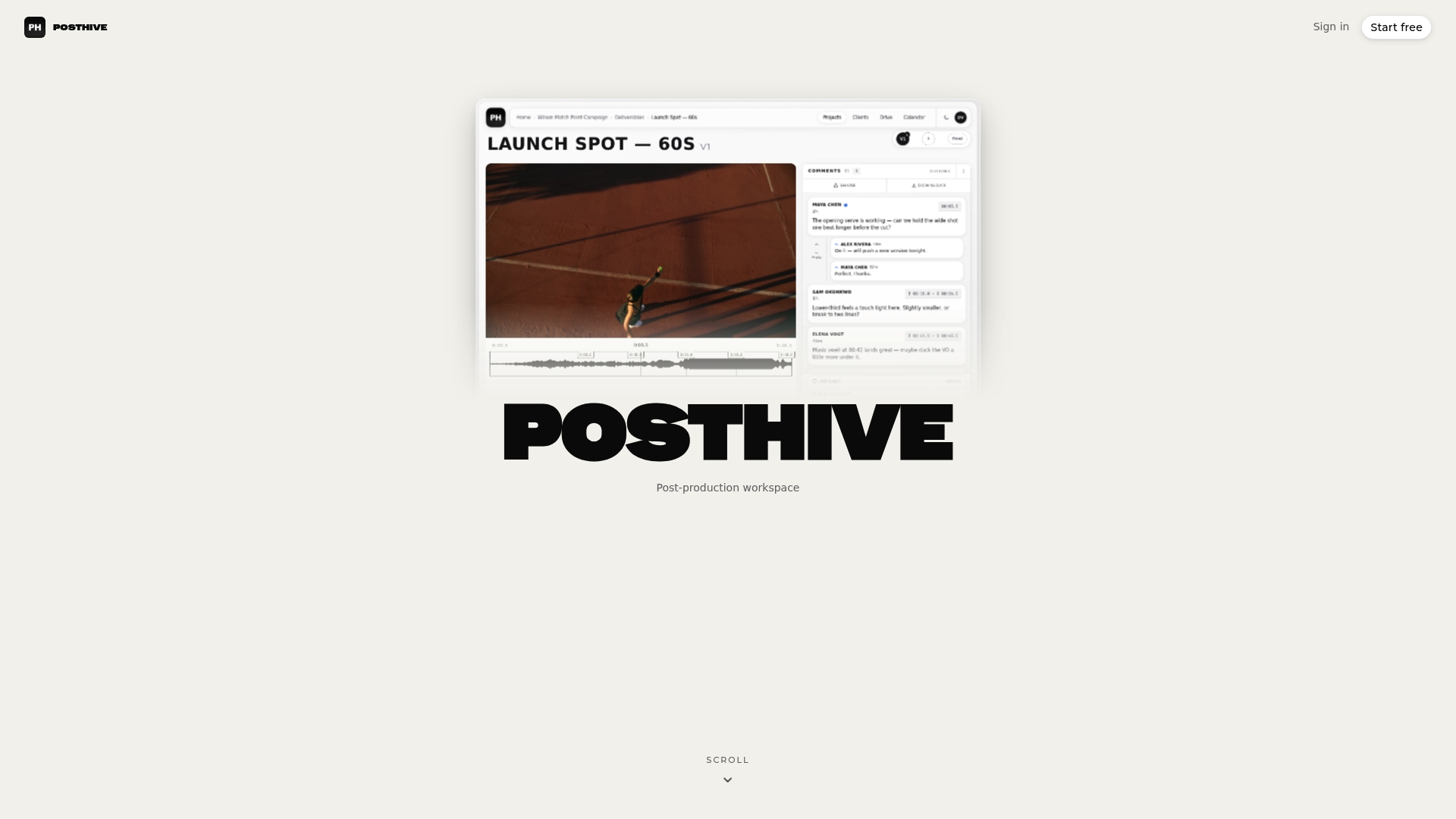
To see how projects are organized in the workspace, read about the Posthive workspace structure. If security of stored media is on your mind, our media file security tests take about an afternoon.
A simple quota plan for a small production team
Here is a plan you can adopt this week.
- Estimate per project. Multiply expected hours of footage by the data rate of your codec, then add room for proxies, project files and exports. Add a buffer so you are not working at the edge.
- Assign an owner. One person per project watches usage and answers when an alert fires.
- Set two alerts. A soft warning well below the limit, and a final threshold close to it.
- Review monthly. Check the largest folders and clear regenerable files.
- Archive at wrap. Once a client signs off, move originals and masters to long-term storage with verified copies, then free the working space.
- Document the rule. Write down what is deletable, what is not, and who approves removals. That sheet prevents most panicked cleanups.
FAQ
What does storage quota mean?
A storage quota is the maximum amount of storage a user, group, project or account is allowed to use. It is a policy limit, separate from total capacity and from current usage. Storage quotas can limit both disk space and the number of files.
What is the difference between a hard and a soft quota?
A hard quota is absolute, and exceeding it makes writes fail. A soft quota can be exceeded for a grace period before it becomes enforced, as long as the hard limit is not reached. Many systems also add a threshold that warns you shortly before the limit.
What should I do when I exceed my quota?
First find the largest folders and delete or move regenerable files such as caches and old proxies. Before removing anything else, confirm that verified copies of your originals and approved masters exist. If you still need more room, ask your administrator or provider about a higher limit or a larger plan.
How do quotas work when several people share a project?
Usage often counts against every quota that applies, such as the user, the group and the project, and the tightest limit decides when writes stop. Setting a clear limit per project and one named owner makes problems much easier to trace.
Does Posthive charge per seat?
No. Every Posthive plan includes unlimited free seats, so teams and clients can have full access without per-editor fees. Plans differ in their storage and feature tiers, and the current details are on the pricing page.
Sources
- Using Lustre storage quotas, Amazon FSx for Lustre
- StorageManager: estimate() method, MDN Web Docs
- Differences among hard, soft, and threshold quotas, ONTAP
- Quota management, WEKA documentation
- Understanding and monitoring your disk quota, Duke Computer Science
- File System Quotas, Oracle Cloud Infrastructure
- Use quotas to restrict or track resource usage, ONTAP 9
- Microsoft storage quotas