
Creative Retrospectives: Formats, Agenda and Template for Teams

A creative retrospective is a structured meeting where a team looks back at finished work, finds what helped and what got in the way, and agrees on a few changes to try next time. The creative part is how you run it: varied formats that get quiet people talking, evidence from the project itself rather than memory, and a short list of actions that someone owns. For a post-production team, the evidence already exists in your version history, review comments and approval dates. Keep that record in one place and the retrospective starts from facts, not from whoever remembers the project best.
TL;DR
- A retrospective is a regular, facilitated meeting that reviews how the team worked together and improves that process, based on lessons from recently completed work. It is not limited to Agile or Scrum teams.
- Spend roughly two-thirds of the time gathering data and generating insights, about 15% deciding what to do, and the rest on opening and closing.
- Vary the format between sessions, but keep the same backbone: facts first, interpretation second, decisions last.
- Every action leaves the room with an owner, a due date and a place where the team can see it.
- Hybrid teams should all contribute through the same shared board, including people sitting in the room.
Table of Contents
- What a creative retrospective is, and who it is for
- When to hold one
- Formats that keep the conversation fresh
- A timed agenda you can copy
- A retrospective meeting template
- Running the meeting so everyone speaks
- Remote and hybrid retrospectives
- Turning discussion into actions that stick
- Keep the evidence in one workspace
- FAQ
- Sources
What a creative retrospective is, and who it is for
The Nielsen Norman Group describes a retrospective as a regular facilitated meeting to reflect on how team members work together and to improve that process using lessons from recently completed work. It also notes that retrospectives can benefit teams whatever their design or development methodology, so a film crew, an agency or a freelancer working with one client can use the same idea.
Most of what ranks for this topic is written for software sprints. The principles carry over to creative work, but the material is different. A production team does not argue about story points. It argues about why the third round of notes arrived after the color pass, why a deliverable went out in the wrong version, or why a client approved something by email that nobody could find later. Those are process problems, and a retrospective is the cheapest place to fix them.
If you are a freelancer or a one-person studio, the meeting can be 20 minutes with yourself and a notes file, or a short call with your client at delivery. The structure below scales down: gather facts, spot patterns, pick one change.
When to hold one
NN/G recommends holding a retrospective at the end of each sprint, or on a consistent two-week, monthly or quarterly schedule for teams that do not work in sprints. Creative teams usually have a more natural rhythm: the end of a project or delivery.
A workable pattern:
- After every delivery or milestone on a long project (rough cut locked, picture lock, final delivery): 30 to 45 minutes.
- After every project on short-turnaround work such as social campaigns or episodic content: 60 to 90 minutes.
- Quarterly across several projects, to catch problems that only show up as a pattern, such as the same bottleneck in review on every job.
Pick the rhythm and keep it. A meeting that happens only when something went badly turns into a blame session, and a team that expects it every time treats it as routine maintenance.
Formats that keep the conversation fresh
Thoughtworks argues that varying the activity in a recurring retrospective reveals different angles and insights, where repeating one format tends to produce the same answers. The activities below are well documented and suit creative work.
Timeline, for a whole project
In Esther Derby and Diana Larsen’s Agile Retrospectives activity guide, Timeline is a way to gather data over a longer iteration, release or project and to stimulate memories of events from multiple perspectives. For a production, draw the line from kickoff to delivery and have everyone add sticky notes: the day the brief changed, the day footage arrived late, the day the client approved. Then mark each event with how it felt. Peaks and dips show you where to dig.
Triple Nickels, for generating ideas
The same guide describes Triple Nickels as an idea-generation activity. Small groups write individually for five minutes, pass papers on to build on each other’s ideas, and repeat. It takes 30 to 60 minutes depending on group size. It suits the moment after you have named a problem, such as “feedback arrives too late”, and need many possible fixes before choosing one.
Circle of Influence and Concern, for frustrations you cannot fix
Scrum.org’s retrospective ideas include sorting issues into what the team controls, what it can influence, and what it must simply respond to, then building actions around the team’s own sphere of influence. Creative teams need this one. A client who changes the brief late is outside your control. How you capture the change, price it and re-plan the schedule is inside it.
ORID, for separating facts from feelings
Humanizing Work’s ORID facilitation guide recommends starting with observable facts, such as timelines, work status and earlier experiments, before asking the team to interpret patterns or decide what to improve. The guide argues that grounding the discussion in shared facts first helps the group tell evidence from feelings or assumptions. ORID stands for Objective, Reflective, Interpretive, Decisional, which is simply the order of the questions: what happened, how did it feel, what does it mean, what will we do.
Picking among them
| Situation | Format to try |
|---|---|
| Long project, many people, fuzzy memories | Timeline |
| You know the problem, need solutions | Triple Nickels |
| Team is venting about things outside its control | Circle of Influence and Concern |
| Tension between people or disputed events | ORID |
The Scrum Alliance’s sprint retrospective guidance adds a point that matters more than the choice of game: visual, interactive participation, not passive presentation, is central to an engaging retrospective, and the meeting needs real space to identify solutions and prioritize action items. A clever format that ends without decisions has failed.
A timed agenda you can copy
Derby, Larsen and Horowitz, in the second edition of Agile Retrospectives, recommend spending roughly two-thirds of the meeting on gathering data and generating insights, perhaps another 15% deciding what to do, and the remainder on setting the stage and closing, with slack built in for activities and transitions.
Applied to a 90-minute project retrospective, that gives roughly:
| Block | Minutes | What happens |
|---|---|---|
| Set the stage | 8 | State the purpose and the period under review, agree ground rules |
| Gather data | 30 | Walk through the timeline, versions, review rounds and deadlines |
| Generate insights | 30 | Find patterns: what helped, what hindered, and why |
| Decide what to do | 14 | Choose a few improvements, define each as a change |
| Close | 8 | Confirm owners and dates, thank the team |
That is an illustration of the ratio, not a rule. Shorten every block proportionally for a 45-minute meeting.
If your team likes a named structure, Thoughtworks’ seven-step agenda runs: context setup, Prime Directive, energizer, check-in, main course, filtering, and check-out with next steps. The Prime Directive is a statement that everyone did the best job they could given what they knew at the time, which sets a blameless tone. Their earlier 7-step agenda describes filtering as grouping similar notes or voting, followed by explicit discussion of what the team will do with the findings.

On prioritizing, the Lucid Meetings facilitator guide suggests choosing three to five priority ideas and spending no more than five minutes selecting them before action planning. Resist the urge to fix everything. Three changes that happen beat twelve that do not.
A retrospective meeting template
A template is only a page that makes sure nothing important is skipped. A minimal one covers five things, in this order, which matches the Officedays guide to hybrid retrospectives:
- Review period and purpose. Which project, which dates, and what question you want answered.
- Shared observations or evidence. Facts the whole group can see.
- Patterns. What helped and what hindered the work.
- Agreed improvements. Written as a testable change, with an owner and a way to review the result.
- A visible record. Decisions stored where everyone can see them.
A ready-to-use version for a post-production job:
| Section | Prompt | Evidence to bring |
|---|---|---|
| Scope | What were we trying to deliver, for whom, by when? | Brief, success criteria, schedule |
| What happened | Where did time go? Where did we wait? | Version history, review rounds, approval dates |
| What helped | Which habits or tools saved us time? | Examples from the project |
| What hindered | Where did we redo work or lose track of a decision? | Change requests, late notes, rework |
| Experiments | What one change will we test on the next project? | Hypothesis and measure |
| Actions | Who does what by when? | Owner, due date, where it is tracked |
Before the meeting, the Lucid guide recommends the facilitator review the project definition, success criteria, outcome metrics and timeline, and invite participants to bring their own observations and ideas. For a creative team that means pulling the actual numbers: how many review rounds the cut went through, how long each round took, and how many deliverables went out.
If feedback loops are your recurring pain point, these related guides cover the process side: stakeholder review in six steps, the revision request workflow and creative change requests. They give you concrete changes to test once the retrospective has shown where the time went.
Running the meeting so everyone speaks
A few facilitation habits make the difference between a useful meeting and a polite one.
Set blameless ground rules. NN/G’s guidance on running retrospectives calls for clear expectations and blameless ground rules, inclusive input, and diverge-and-converge methods, meaning first collect many ideas, then narrow. The Scrum Alliance stresses psychological safety: what is shared stays within the team unless the group agrees to share findings outside it.
Start with silence. Lucid Meetings recommends silent individual brainstorming before discussion, allowing three minutes per question so that quieter people contribute equally. In a creative team, where senior directors and junior assistants share a call, this stops the loudest opinion from setting the agenda.
Invite everyone. NN/G recommends including every team member, including people only partially dedicated to the team, because each brings different experience. The freelance colorist and the sound editor who joined for two weeks often saw the handoff problems first.
Facts before opinions. Put the project record on screen before anyone interprets it. “Round two took nine days” is a more productive starting point than “the client was slow”.

Remote and hybrid retrospectives
Creative teams are often spread across cities and time zones. The Scrum Alliance says remote, distributed and in-office teams can all hold retrospectives, using whiteboards, collaboration apps and sticky notes to express ideas, identify hurdles and prioritize actions. It also suggests using the meeting to ask whether online tools and remote-work conditions affected the work, and whether anything should be modified, removed or added.
For hybrid sessions, the Officedays guide recommends that everyone, including people in the room, contribute through the same shared document or board, with quiet individual input before discussion. That gives remote and onsite participants equal access. It also advises:
- Test the shared board using a remote participant’s access.
- Use a tested room microphone and speaker setup.
- Keep the discussion on the shared call.
- Pause if someone loses access to the conversation or materials.
The common failure is a room of five people talking while two remote colleagues watch. Treat the room as one more participant on the call.
Turning discussion into actions that stick
Most retrospectives fail after the meeting, not during it. NN/G’s guidance on facilitating retrospectives says to choose realistic actions, break large ones into smaller steps, assign each an owner and due date, record them where the team can access them, check progress before the next retrospective, and review or carry over outstanding items.
Its postmortem guide for UX teams goes further: useful outcomes change systems through process or culture, with examples such as required review gates and updated checklists. It says each action item should have an owner and a deadline before the meeting ends, with a recurring monthly reminder to check progress.
Humanizing Work suggests framing a decision as an experiment: define a hypothesis and design a test to carry out in the next sprint. For a creative team, a good experiment sounds like this:
- Weak: “Communicate better with the client.”
- Testable: “On the next project, all client notes go into one review thread, capped at two rounds. We will compare total review days against this project’s nine.” Owner: the producer. Review: at the next delivery.
That second version has a change, a measure, an owner and a date. If it works, it becomes part of your standard process. If not, you drop it without drama.
What we have learned about retrospectives in production work
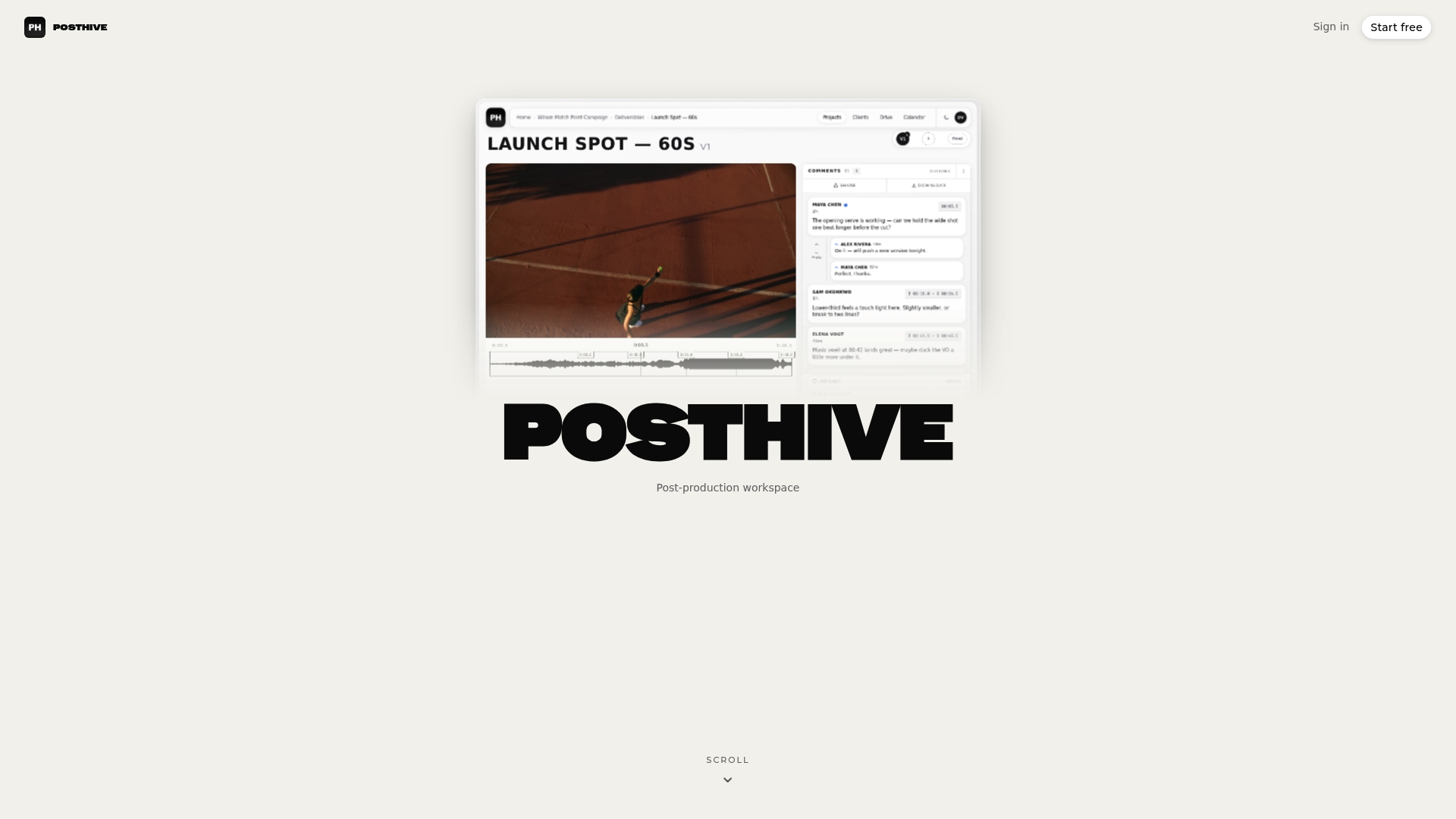
We build Posthive for post-production teams, and the pattern we care about is simple: a retrospective is only as good as the record behind it. When versions, review comments, approvals and deadlines live in different inboxes and folders, the meeting becomes a contest of memories. When they live in one workspace, the team can open the project and look at what happened.
That is why our platform brings version management, task and deadline tracking, collaborative review and client feedback and approval tracking into a single place. Your retrospective evidence is already organized by the work itself, and the actions you agree on can be tracked as tasks with owners and deadlines, next to the project they came from.
We also think the people who matter in the conversation should not be limited by a seat count. Every Posthive plan includes unlimited free seats, so teammates and clients can have full access without paying per editor. A retrospective that includes everyone who touched the project gives you the honest picture.
Lorenz
Keep the evidence in one workspace
If your last retrospective stalled on “which version was approved, and when?”, the fix is upstream of the meeting. Posthive is a cloud post-production workspace that keeps projects, versions, review feedback, approvals and deadlines together, with Google Calendar integration and plugins for NLEs (the editing software your team cuts in). Plans start free; Pro is $49 per month and Enterprise is $99 per month, with the details on the pricing page. You can see how the pieces fit on the Posthive productivity page.
For team leads who want the broader picture, the guides on video project management, the creative ops workflow and media lifecycle management show how a well-run project produces cleaner material for the next retrospective. When a project ends, the archiving checklist is a natural last step, so the evidence is still findable when you review the quarter.
FAQ
How long should a creative retrospective take?
About 30 to 45 minutes after a milestone and 60 to 90 minutes after a full project is a reasonable range. Whatever the length, the proportions in the Agile Retrospectives guidance hold: about two-thirds on data and insight, about 15% on decisions, the rest on opening and closing.
How often should we run them?
NN/G suggests the end of each sprint, or a consistent two-week, monthly or quarterly schedule for teams that do not use sprints. For project-based creative work, hold one at the end of each project or major delivery, plus a quarterly session across projects to spot recurring problems.
Do we need a retrospective if the project went well?
Yes. NN/G’s UX postmortem guide frames the practice as learning from success and from failure. A smooth project still contains habits worth naming and repeating, and you want them written down before the team moves on.
What is the difference between a retrospective and a postmortem?
The words overlap. A retrospective is usually a recurring, process-focused meeting on recently completed work, while a postmortem usually follows the end of a single project. The structure in this article works for both: facts first, patterns second, owned actions last.
How do we keep the same people from dominating?
Use silent individual writing before any discussion. Lucid Meetings recommends three minutes of silent brainstorming per question, which gives every participant equal footing before the conversation opens.
Sources
- UX Retrospectives, Nielsen Norman Group
- Project Postmortems for UX Teams, Nielsen Norman Group
- Agile Retrospectives activity guide, Derby and Larsen
- 11 Ideas to Spice up Your Retrospective, Scrum.org
- The Sprint Retrospective, Scrum Alliance
- The ultimate guide to preparing great retrospectives, Thoughtworks
- 7 Step Agenda for an Effective Retrospective, Thoughtworks
- ORID Retrospective Facilitation Guide, Humanizing Work
- Allocate Time Within the Retrospective, Agile Retrospectives 2nd Edition
- Project Retrospective Facilitator’s Guide, Lucid Meetings
- Hybrid Team Retrospective: Questions and Action Plan, Officedays