
Picture Lock Process: Steps, Sign-Off and Change Control

Picture lock is the point where the edit is declared final: shot selection, order and timing stop changing, and sound, color, visual effects and delivery work can start on stable ground. The process that gets you there is a short run of steps: a last review of the cut, a documented sign-off from the person who decides, a clear announcement, a frozen reference version, and a plan for any change that comes afterward. This guide walks through each step, with a checklist, a change-list example and the mistakes that cost teams the most.
TL;DR
- Picture lock means the timing of every shot is approved and will not change, so downstream departments can build on it.
- To lock cleanly: do a final watch-through, get sign-off from one decision maker, announce the lock, export a timecoded reference and freeze the source material.
- Sound design and music often start before lock, but the final mix needs locked picture.
- If you must reopen the cut, send a change list by reel and timecode so every department can conform.
- “Final cut” is a creative or contractual term. Picture lock is a milestone in the schedule.
Table of Contents
- What picture lock means
- Why the lock is the trigger for expensive work
- Picture lock vs. final cut
- The picture lock process, step by step
- Picture lock checklist
- What happens after picture lock
- Soft lock, hard lock and what to do when the cut changes
- Common mistakes
- Our perspective on running the lock
- Run your lock in one workspace
- FAQ
- Sources
What picture lock means
According to the FSUFILM Handbook, picture lock marks the point at which the edit is considered creatively and structurally finalized before the project moves into sound, color, visual effects, mastering and delivery. After that, editorial changes are expected to stop except in exceptional circumstances.
A locked cut is not a finished film. Fabric.so’s guide points out that a locked cut can still carry temporary sound effects, placeholder music, ungraded footage, incomplete effects and rough titles. What is frozen is the picture’s structure: which shots, in what order, for how long.
The reason this matters is cost. HSM University’s film editing course notes that every change after lock costs time and money, because each department has to update its work to match the new timing.
Why the lock is the trigger for expensive work
Postproduction.studio describes the lock as the trigger that releases the heavy finishing departments. Only when timing is fixed can the composer set the exact tempo of the score, the dialogue editor do precise ADR sync, the foley artist record footsteps and VFX vendors commit render time to high-resolution composites.
The same source gives a vivid example of what a broken lock does. Add 12 frames to the middle of a reel after turnovers and the score for that reel must be rewritten, every sound effect shifted by hand, and the colorist’s timeline falls out of sync.
That is the practical argument for a disciplined process: lock late enough that the story works, and early enough that the departments waiting on you can start.

Picture lock vs. final cut
The two phrases get mixed up, but they answer different questions.
| Picture lock | Final cut | |
|---|---|---|
| What it is | A milestone in the post schedule | The last creative version of the edit, or the contractual right to decide it |
| Question it answers | “Can downstream work start?” | “Whose version is the definitive one?” |
| Effect | Timeline is frozen, turnovers go out | Settles creative authority |
| Is it the finished product? | No, it is the basis for the deliverable | Can be, depending on usage |
Fabric.so’s guide draws exactly this line: final cut can mean the last creative version or the right to determine it, while picture lock is the point when the edit is frozen and finishing starts. A director can hold final cut rights and still have to respect a lock date.
Filmsupply’s overview of rough, fine and final cuts shows where the lock sits in the sequence: after the editor and director agree on the final cut, and before sound design, color correction and effects.
The picture lock process, step by step
1. Finish the fine cut
Before anything is locked, the cut should have passed its review rounds: assembly, rough cut, fine cut. Every note from the director, producer and client should be either implemented or consciously set aside. If you are still debating whether a scene belongs, you are not ready to lock.
2. Prepare the sequence to a standard
The FSUFILM Handbook requires locked sequences to have a front sequence formatted to SMPTE standards, with timecode starting at 01:00:00:00 and an SMPTE countdown leader with the slate information filled in. That keeps every department working from the same timecode reference.
3. Do one last watch-through
The same handbook asks the director and editor to watch the film one last time, looking for black frames and other problems, before the picture is locked. Do this on the best monitoring you have, with fresh eyes, and fix flash frames, gaps and stray audio pops now. They are cheap to fix today and expensive after turnovers.
4. Get sign-off from the decider
8frame advises getting sign-off from the person who decides, not consensus from the room. Name that person at the start of the project. On a commercial job it may be the client or the producer. On a feature it is usually the director with the studio’s agreement. Record the approval in writing, with the version it applies to.
5. Announce the lock
Fabric.so’s guide frames the lock as a communication event as much as a creative one: the editor or producer tells every relevant party that the cut is locked, distributes the locked version and provides the technical information each department needs. Its example naming convention, ProjectName_v12_LOCK_20261001, makes the status obvious from the filename alone.
6. Export the reference and freeze the source
Also per 8frame: export a reference with burnt-in timecode and distribute it, and freeze the source material so the exact output that made the cut is the one everyone refers to. This reference is what the conform will later be checked against.
7. Turn over to the departments
Turnovers typically include the reference video, an AAF or EDL, audio files for the sound team, and effects shot lists. Which files each department needs depends on the pipeline, so confirm it with them before lock day, not after.
Picture lock checklist
Use this as a working list on lock day. It borrows from the items VIDIO’s editor guide says should be approved first: shot order and timing, transitions, titles and graphics, effects timing, and music and editorial sound decisions.
- Correct project version identified and named as the lock candidate
- Approved runtime confirmed
- Final shot order agreed
- All cut points reviewed
- Transitions approved
- Titles and graphics placed and approved
- VFX shot timing confirmed
- Music and editorial sound decisions approved
- Client, director and producer sign-off documented
- SMPTE front sequence and 01:00:00:00 start in place
- Burnt-in timecode reference exported and shared
- Source media frozen and backed up
If your team runs a broader pipeline, our post-production checklist from ingest to archive places this step in context.
What happens after picture lock
After lock the cut stops changing and work splits into parallel tracks. Nolan Labs describes four: VFX, conform, color and sound. They meet again at deliverables, and the conform is checked shot by shot against the offline reference QuickTime until the two match.
The online edit, or conform
Trisha Studios explains that the first step is typically the online edit: the locked offline cut, built from proxy files, is rebuilt from the original camera files using an AAF or EDL exported from the editing system. Frame rate mismatches and handles are checked by hand.
Sound and music: not strictly sequential
Not everything waits for lock. The same source notes that sound design and music composition usually begin before lock, working from a near-locked cut, and carry on alongside the color grade. The final mix is the exception: it needs locked picture because it must sync to the final graded output.
Delivery
Fabric.so’s guide says weeks or months can separate lock from final delivery, depending on the scale of the production. The sound mix, color, effects, music and titles must all be completed, reviewed, approved and integrated, and the deliverable can be a DCP for theaters, a broadcast master for TV or compressed files for streaming.
Specs for those deliverables are set by the buyer. Nolan Labs notes, for example, that Netflix’s audio mastering spec as of September 2026 asks for 48 kHz, 24-bit audio with a 5.1 mix required and 2.0 optional. Always read the current spec from the platform you are delivering to.

Soft lock, hard lock and what to do when the cut changes
Real productions do not always keep the lock. HSM University’s lesson explains that changes sometimes happen after lock, which is why some teams talk about a soft lock and a hard lock. Fabric.so adds that some productions issue a conditional lock signaling that small changes may still occur, while others require any post-lock change to be formally requested, approved and communicated to every affected department.
How strictly the term is used also varies by format. Wikipedia notes that the meaning and rigor can differ between features, television and documentaries.
A simple change control routine
- Require a written request. Who wants the change, and why.
- Estimate the knock-on cost. Ask sound, music, VFX and color what the change touches before approving it.
- Get approval from the decider named at lock.
- Issue a new version with a clear name, never an overwrite of the locked file.
- Send a change list to every department.
What a change list contains
Per HSM University, a change list names each edit by reel and timecode, describes what was added, removed or trimmed, and states how much the following material has moved. A single entry might read: “Reel 3, 01:12:40:00, remove 12 frames from the end of the hallway shot, all following material moves up 12 frames.” With that in hand, sound, music and effects can update their sessions instead of guessing.
If you want to set up the logging side of this quickly, see our 30-minute edit change log setup.
Common mistakes
- Locking before the decider has seen it. A lock without the right approver is just a hopeful label.
- Sharing unlabeled exports. Two files that look the same but differ by a few frames are how conforms go wrong. Use version names that carry the lock status.
- Locking the whole project when you can lock by reel. Features are often locked reel by reel so audio and color can begin on finished sections. A reel is typically 15 to 25 minutes of film.
- Treating the lock as a mood. If the date, the version and the approver are not written down, people will remember three different locks.
- Letting versions drift. Lost or confusing versions after lock cause the same pain as a broken lock. Our guide to avoiding lost video versions covers a metadata approach.
Our perspective on running the lock
We think of picture lock as a shared agreement, not a button in an editing app. The decision itself is creative, but everything that makes it hold is administrative: which version is the lock, who approved it, who has been told, and what happens when someone wants to reopen it.
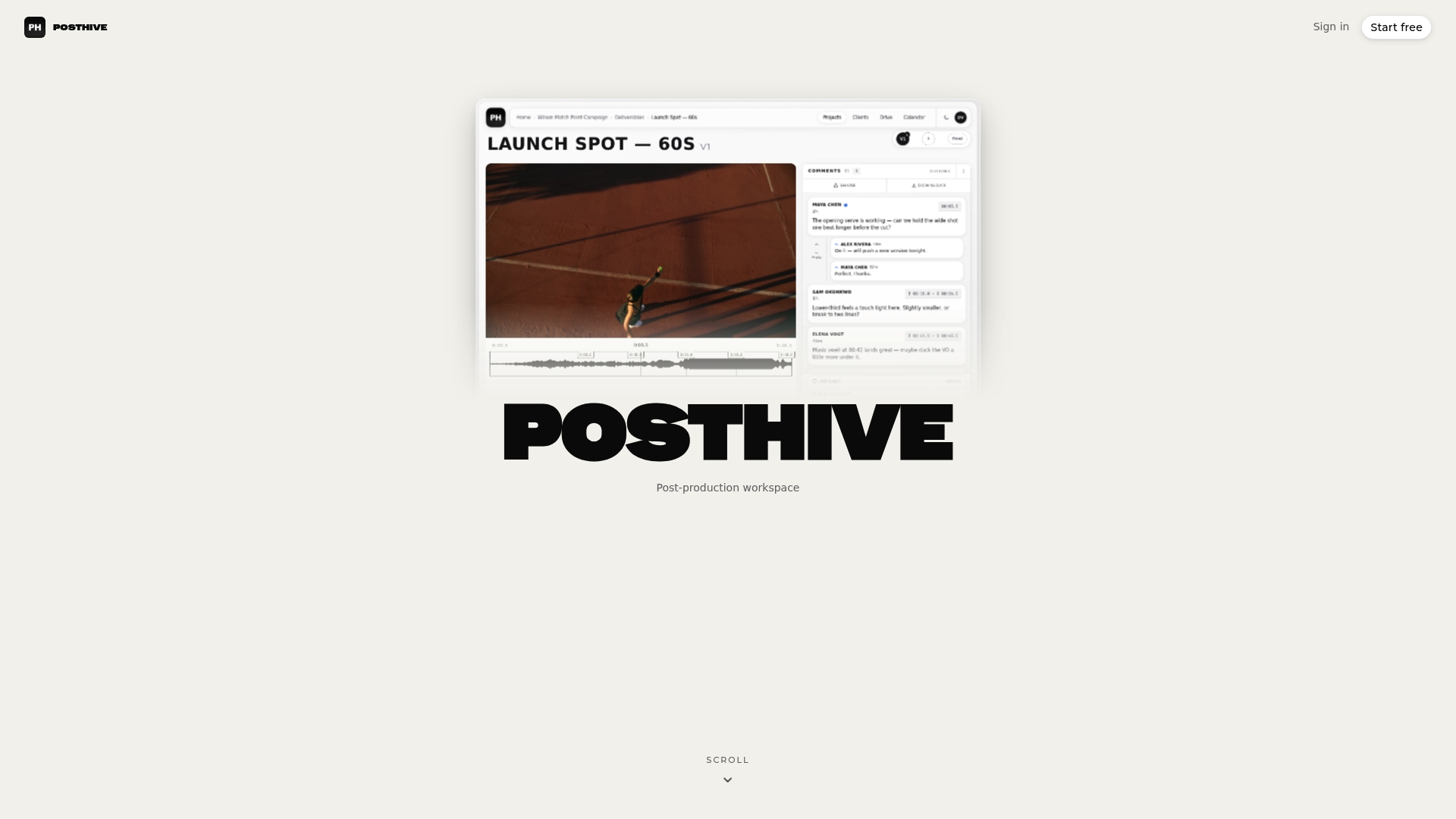
That is why we built Posthive around version management, task and deadline tracking, review and approval tracking, and secure delivery in one workspace. When approvals, comments and versions live in the same place as the project, the lock is a recorded event instead of a thread of emails.
We also believe clients should keep ownership of their deliverables and versions, and that nobody should pay per seat to take part in a review. Every Posthive plan includes unlimited free seats, so the director, the producer and the client can all see the locked cut and the sign-off without anyone being left out of the loop.
If you take one habit from this guide, make it this: write down the lock version, the approver and the date, and keep them where every department can find them.
Lorenz
Run your lock in one workspace
If your lock currently depends on scattered emails and renamed files, Posthive gives you one place for versions, review rounds, approvals, deadlines and delivery. Plans include a free tier, Pro at $49 per month and Enterprise at $99 per month, and every plan has unlimited free seats. See the details on the Posthive pricing page.
Freelancers can see how lock and review rounds fit together in our freelance post-production workflow, and teams juggling several jobs can look at editor task tracking for keeping turnover tasks visible.
FAQ
What is picture lock in simple terms?
It is the moment the edit is declared final in terms of shots, order and timing. After that, sound, music, color and effects teams build on it. Changes are possible but should go through a formal process, because each one ripples through every department.
When should you lock picture?
Lock when the story works, the decision maker has approved it and the cut has passed its review rounds. Waiting too long delays sound, color and effects, while locking early leads to costly reopening. Many teams start sound design and music from a near-locked cut and finish the mix only after lock.
Can you change the edit after picture lock?
Yes, but it is expensive. Send a change list by reel and timecode so each department can update its work, and get approval from the person who made the lock decision. Some productions use a soft lock that allows small changes, and others treat the lock as inviolable.
Is picture lock the same as final cut?
No. Final cut can mean the last creative version of the edit or the contractual right to decide it. Picture lock is a scheduling milestone that releases downstream work, and the locked cut is the basis for the final deliverable, not the deliverable itself.
Sources
- Picture Lock, FSUFILM Handbook
- Conform, finishing, VFX turnovers and delivery, HSM University FILM-220
- What Is Picture Lock?, Fabric.so
- Editorial workflow: from ingest to picture lock, Postproduction.studio
- What Is Picture Lock?, 8frame
- What Is Picture Lock in Video Editing?, VIDIO
- What Happens After Picture Lock?, Trisha Studios
- From Assembly to Picture Lock, Filmsupply
- Picture lock, Wikipedia