
Production Notes Template: What to Capture and Keep Current

A production notes template is a single page, repeated per scene, shot or shoot day, where you log what changed from the plan and why. The version below has nine fields, works for a solo creator or a crew, and ends with the part most templates skip: how those notes reach the editor and stay tied to the right cut. Notes only pay off when they travel with the project into post, which is why we build them into the same workspace as versions, tasks and client approvals.
TL;DR
- Production notes are annotations on your plan (screenplay, storyboard, shot list) that record changes, missed shots and new ideas as they happen.
- A usable template has fixed fields: scene or shot ID, date, location, what changed, why, owner, follow-up task, and the version it affects.
- Notes are not the breakdown, call sheet or schedule. They record what happened against those documents.
- Log the reason for every cut or change, not just the change, so the editor never has to guess.
- Link each note to a task and a version, or it will be lost between the set and the timeline.
Table of Contents
- What production notes actually are
- The fields a production notes template should include
- A template you can copy
- How to fill it in on set
- Production notes vs. breakdown, call sheet and schedule
- Carrying notes into post-production
- Managing notes across several projects
- Our perspective
- Keep notes with your versions, tasks and approvals
- FAQ
- Sources
What production notes actually are
Production notes are annotations made during production on your pre-production plan. A VCE Media production journal guide describes them as marks on the screenplay, storyboard or shot list that capture missed shots, plan changes and ideas that come up on location. They also give you a basis for reflecting on the project afterward.
That definition matters because it tells you what a template is for. It is not a place to rewrite the plan. It is a place to record the distance between the plan and what you actually shot, in a form that someone who was not on set can read three weeks later.
For a freelancer, that someone is often you, after two other jobs have pushed this one out of your head. For an agency or production company, it is the editor, the producer, or the client reviewing a cut and asking why a scene looks different from the approved script.
The fields a production notes template should include
There is no universal standard form, so build from what production teams actually track. A BYU study on workflow automation for small film productions describes a schedule database with date, event type, event name, location and attending roles as fields. It also says each entry can hold agendas, notes, tasks, links, attachments and day-of-shoot documents such as call sheets, sides, shot lists and location contracts.
Translate that into a notes template and you get these fields:
| Field | What goes in it | Why it earns its place |
|---|---|---|
| Project and scene or shot ID | Matches the script, storyboard or shot list numbering | Lets anyone find the note against the plan |
| Date and shoot day | When it happened | Orders notes chronologically |
| Location | Set, address or virtual location | Explains lighting, sound and access issues |
| Who was present | Roles, not just names | Shows who can answer questions later |
| What changed | Added, dropped, reordered or reshot | The core of the note |
| Why | The reason in one sentence | Prevents second-guessing in the edit |
| Impact on post | Audio issue, continuity risk, VFX need, alternate take | Warns the editor in advance |
| Follow-up task and owner | One action, one person, one due date | Turns a note into work |
| Version affected | Script draft, cut or asset version | Keeps notes tied to the right file |
Nine fields is enough. If your template runs to thirty, nobody fills it in on a cold location at 6 p.m.
A template you can copy
Paste this into a doc, a spreadsheet row or a task description and repeat it per scene or per shoot day.
Production notes: [Project name]
- Scene or shot ID:
- Shoot date and day number:
- Location:
- Present (roles):
- Planned: one line from the shot list or script
- Actual: what was shot
- Why it changed: one sentence
- Impact on post: sound, continuity, coverage, effects
- Follow-up task, owner, due date:
- Version affected: script draft, storyboard or cut number
The “Planned” and “Actual” pair is the quickest way to spot drift. If the two lines match, you can write “as planned” and move on, which keeps the sheet fast on busy days.
How to fill it in on set
Timing and habit decide whether production notes get used. These practices keep them accurate.
Write the reason, not just the change
The VCE Media guide advises recording why a shot or line was removed rather than simply crossing it out. A line that says “cut shot 14” tells the editor nothing. “Cut shot 14: light failed, covered by shot 13 wide” tells them what to expect in the footage and why they should not hunt for it.
Capture additions in the margin or on the board
The same guide says added shots or dialogue can be written in the margins or sketched on a storyboard. Keep that quick style on set, then transcribe into the template at wrap. If you want a clear picture of what belongs on a storyboard versus a shot list before you start annotating, this comparison of storyboards and shot lists shows what each document should hold.
Keep production and post notes separate
VCE Media suggests keeping production annotations and post-production annotations apart, either on separate copies or in different ink colors. In a digital template, the equivalent is a field or tag that marks each note as “shoot” or “post”. Mixing them makes it impossible to tell what was decided on location and what was decided in the edit suite.
Fill it in at natural pauses
Two habits work well: a quick entry after each setup while the reason is fresh, and a ten-minute review at wrap to clean up. Leave anything longer than that to the follow-up task, not the note.
Production notes vs. breakdown, call sheet and schedule
These documents get confused because they share information. They answer different questions.
- Script breakdown: identifies the elements in each scene. One academic script breakdown sheet from BUas separates scene description, cast, stunts, extras, effects, props, vehicles and animals, wardrobe, makeup and hair, sound and music, and special equipment. It then keeps production notes as a distinct field for scene-level information the production needs to be aware of.
- Call sheet: tells the cast and crew where to be, when, and what to bring for a given day. It is forward-looking and issued per shoot day.
- Production schedule: orders scenes, days and locations across the whole shoot. It answers “when” for the full project.
- Production notes: record what happened against all of the above. They are the only one of the four written mostly in the past tense.
The difference between notes and a schedule is simple. A schedule is the plan for time. Notes are the log of how reality bent that plan. If a scene moved from Tuesday to Thursday, the schedule shows the new date, and the note explains why and what it affected. A good template references the schedule instead of duplicating it. If you plan the timeline visually, our guide to production Gantt charts for film and video teams shows how to lay that out.
Carrying notes into post-production
The notes template earns its keep after wrap. Once footage lands with the editor, every note should be able to answer three questions: which scene does this affect, which cut does it apply to, and who is acting on it.

Link notes to tasks with a named owner
The BYU study describes a centralized tasks database connected to a crew list, so each task can be assigned to a specific crew member. Apply the same rule to notes. A note that says “audio hum in scene 6” is a worry. A note with a linked task, “Re-record ADR line, owner: sound editor, due before the second review”, is work that will get done. For a deeper routine on this, see our practitioner system for editor task tracking.
Tie notes to versions
The Canadian Cinema Editors’ Editor’s Taskbook notes that later cuts may be labeled as additional rough cuts, fine cuts or a proposed picture lock, and that the frequency of revisions should leave time for evaluation and reflection. Your “Version affected” field is how a note survives that progression. A note about a trimmed line means one thing on the rough cut and nothing on a locked picture where the line is already gone.
The same document states that picture lock is the version approved by all required parties and serves as the reference for later post-production and final delivery. Once you reach it, production notes that touched picture should be resolved or closed. Our walkthrough of the picture lock process, sign-off and change control covers how to close them cleanly.

Log post changes in a change log
Production notes record what happened on set. After picture lock candidates start circulating, you want a parallel record of what changed between cuts. A 30-minute edit change log setup gives you that, and it pairs naturally with the notes you captured during the shoot.
Managing notes across several projects
Freelancers and production companies rarely work on one project at a time. The BYU study describes a shared, structured production hub with linked databases that helps crew members working on several projects find information and avoid confusion. Two rules make that practical for notes.
- One template, one naming convention. Use the same fields and the same scene ID format on every project, so you can find a note without remembering which project it lived in.
- One home for notes. Notes in email, text messages and a notebook are three places to check. Pick one location and move everything there at wrap.
The BYU authors also say database views and dashboard elements can be moved, deleted, recolored, changed or extended to suit a production. Take the same attitude with your template. Start with the nine fields, run one shoot, and drop or add a field based on what you actually used. Recurring information gets a fixed field; one-off details go in a free-text line.
If you handle deadlines for several clients at once, our six-step playbook for production deadline tracking pairs well with a notes system, because each follow-up task needs a date.
Our perspective
Most production notes fail for the same reason: they are written down and then stranded. A note lives in a notebook, a message thread or a spreadsheet, while the cut lives somewhere else, and the client’s feedback lives in a third place. Nobody can say which note belongs to which version.
We built Posthive around the opposite idea. Notes, tasks, versions and client review belong in one workspace, so a note about a dropped shot sits next to the cut it affects and the task that fixes it. Version management, task and deadline tracking, and client feedback and approval tracking are part of the same platform, not add-ons.
We also think the people who need to read notes should not be rationed. Every plan gives you unlimited free seats, so the editor, the producer and the client can all see the same record without anyone counting editors against a bill.
Use the template above wherever you like. The habit matters more than the tool. But when you want your notes to follow the work into review and delivery, keep them where the work happens.
Lorenz
Keep notes with your versions, tasks and approvals
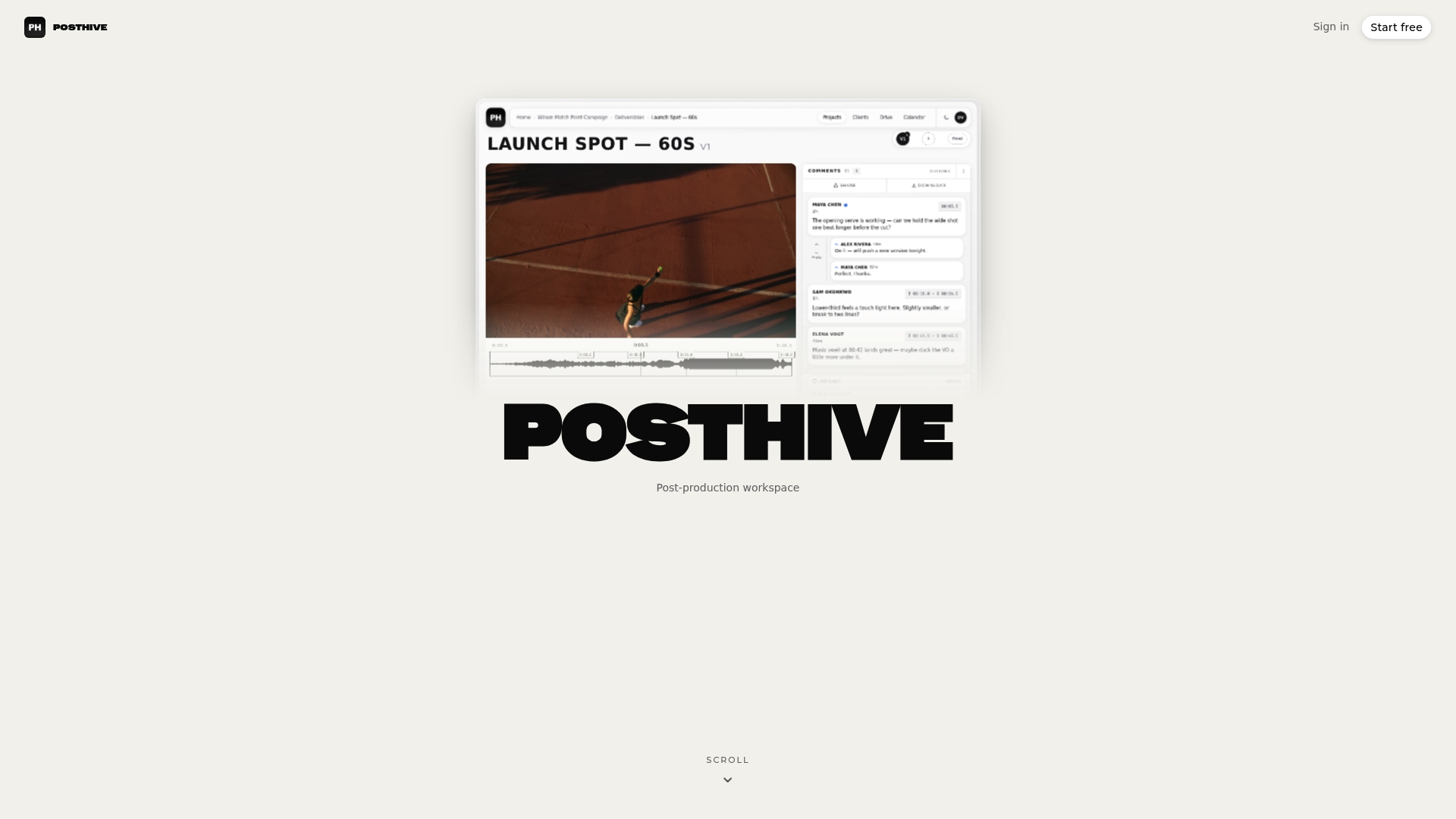
Posthive is a cloud post-production workspace that brings project management, version control, task and deadline tracking, collaborative review, and client feedback and approval tracking into one place. It connects to Google Calendar and offers plugins for NLEs (non-linear editors, the software you cut in), and every plan includes unlimited free seats, so your whole team and your clients get full access.
The Pro plan is $49 per month and Enterprise is $99 per month; details are on the pricing page. To see how the workspace handles a project from first cut to delivery, start at Posthive.
FAQ
What is a production notes template used for?
It gives you a consistent way to record changes, missed shots and new ideas during production, tied to the scene or shot they affect. The editor and anyone reviewing the project can then see what changed from the plan and why, without having been on set.
What should production notes include at minimum?
A scene or shot ID, the date, what changed, and the reason. Add the impact on post, a follow-up task with an owner, and the version affected, and the note becomes something your team can act on instead of just read.
How are production notes different from a call sheet?
A call sheet is a forward-looking document that tells cast and crew where to be and when for one shoot day. Production notes look backward: they log what actually happened against the plan, including changes to scenes, shots and schedules.
Should production notes be kept separate from post-production notes?
Yes, or at least clearly tagged. Production annotations capture decisions made on location, and post notes capture decisions made in the edit. Keeping them separate, as the VCE Media guide suggests with different copies or ink colors, makes it clear when and why each decision was made.
Sources
- Production journal, VCE Media
- Automate to Create: Simplifying Workflows in Small Film Productions, BYU
- Script Breakdown Sheet, BUas Virtual Productions Gathering
- The Editor’s Taskbook: Responsibilities and Best Practices, Canadian Cinema Editors