Video Version Control for Creative Teams: Setup Made Simple
Video Version Control for Creative Teams: Setup Made Simple

Video version control is a cloud workspace that tracks every cut, comment, and approval so your team always knows which file is current. It replaces scattered folders and file names like “final_v3_revised.mp4” with a single source of truth: version history, frame-accurate feedback, and formal sign-offs in one place. The recommended next step is simple. Centralize your active edits, turn on version history and timestamped comments, and run a one-week pilot on a single project before rolling it out wider.
This guide is for editors, producers, agency leads, post supervisors, and freelancers juggling multiple review rounds at once. Version confusion ranks among the most common friction points in post-production collaboration, and it rarely gets fixed by trying harder. It gets fixed by changing the system. Tools like Posthive build that system specifically for post-production teams, and if rights or clearance questions come up during review, the U.S. Copyright Office is the authority to check before a final version ships.
Key Takeaways
Video version control works when a cloud workspace centralizes cuts, feedback, and approvals under single timeline ownership with structured, frame-accurate review.
| Point | Details |
|---|---|
| Centralize before anything else | Move active cuts into one versioned workspace instead of scattered folders or drives. |
| Assign one timeline owner | Prevent simultaneous editing conflicts by naming a single owner per project phase. |
| Require frame-accurate feedback | Timestamped comments eliminate ambiguity about which frame or version a note refers to. |
| Formalize approvals | Use a documented approve action and audit log, not a verbal or chat-based sign-off. |
| Pilot with Posthive | Test version stacks, proxies, and approval logs on one project before a full team rollout. |
Table of Contents
- What Does Video Version Control Actually Mean for Post-Production?
- Core Features Every Video Version Control Workspace Must Provide
- How Do You Build a Workflow That Prevents Version Chaos?
- What’s the Setup Checklist for Rolling This Out on Your Team?
- How Long Does Onboarding Take and What Drives the Cost?
- Try Posthive for Version Control on Your Next Production
- Frequently Asked Questions
- Sources
What Does Video Version Control Actually Mean for Post-Production?
For a creative team, video version control means every cut lives under one asset with a visible history instead of scattered across desktops and shared drives. Instead of hunting through a folder for “final_v2_APPROVED_use_this_one.mp4,” you open one project and see every iteration stacked in order, each one tagged with who made it, when, and why.
The practice borrows its name from software development, but the mechanics are different. There is no branching code repository here. There is a cloud workspace tracking media files, feedback, and sign-offs so a director’s cut, a broadcast cut, and a social edit can all trace back to the same source without anyone guessing which one is live.
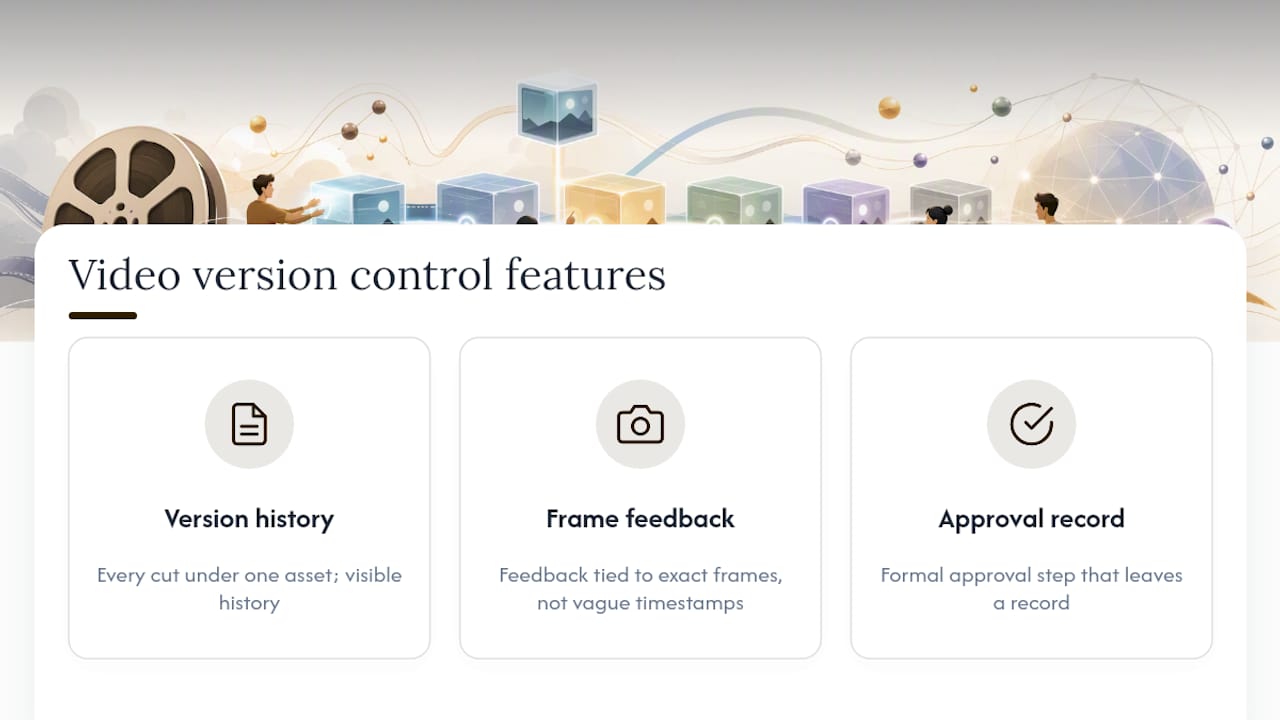
Three things separate real version control from a well-organized shared drive: a visible history of every change, feedback tied to exact frames instead of vague timestamps, and a formal approval step that leaves a record. Miss any one of those three, and you’re back to “final_final_v4” within a week.
Core Features Every Video Version Control Workspace Must Provide
Not every cloud storage tool qualifies as version control. Here’s what actually matters when you’re evaluating one:
- Version history and version stacks. Every iteration of a cut groups under one parent asset, viewable side by side, instead of living as separate files with no visible relationship.
- Frame-accurate commenting. Feedback attaches to an exact timecode, not “around the 2 minute mark,” so editors know precisely what a reviewer means.
- Proxy streaming. Reviewers watch a lightweight version instead of downloading a multi-gigabyte master, which is also what makes remote review fast across time zones.
- Formal approval actions and an approval log. A clear “approve” button, not a thumbs-up in a chat thread, with a record of who approved which version and when.
- Role-based permissions. Clients comment, editors edit, producers approve. Nobody accidentally overwrites someone else’s cut.
- Integration points. Exports from your NLE, links to cloud storage, and connections to project management tools so version data doesn’t live in a silo.
- Searchable metadata and tagging. Transcripts, captions, and tags that let you find “the cut with the new client logo” in seconds, not twenty minutes.
- Secure share links. Password protection and expiration dates for external reviewers who shouldn’t have permanent access.
Centralized project management and organized file structures are what keep everyone working from the latest approved file rather than an outdated one someone downloaded three days ago.
Pro Tip: Adopt version stacks and a short, consistent naming convention for version messages (“Client note: shorten intro by 3 seconds”) instead of cramming context into the file name itself. The file name should never be your only record of what changed.
How Do You Build a Workflow That Prevents Version Chaos?
Single timeline ownership is the rule that fixes most version problems before they start. At any given phase, exactly one person owns the active timeline. Everyone else reviews and comments, but they don’t open the project and start editing in parallel. Two people cutting the same timeline simultaneously is how you end up with two “correct” versions and no way to merge them.
Who reviews at which stage matters just as much. The editor makes the cut. Internal creative leads review for story and pacing. The client reviews for brand and message. Legal, when needed, reviews last and only for compliance, not creative notes. Each group should provide scope-limited, frame-accurate feedback rather than open-ended reactions.
The workflow itself is straightforward: upload the cut, collect timestamped comments in one place, the editor implements changes, someone completes a formal approval action, and the previous version archives automatically. That loop repeats until sign-off. This is also where a resource like The Gurlz’s production guide is useful for thinking through handoffs and role clarity on more complex productions.

Structured review with timestamped comments and a formal approve action does more than speed things up. It prevents costly rework later by creating a record of exactly what was approved and by whom.
Pro Tip: Set explicit deadlines per review round with a reasonable time frame depending on urgency and appoint one feedback owner per round to consolidate notes. Editors shouldn’t have to reconcile five conflicting emails about the same cut.
What’s the Setup Checklist for Rolling This Out on Your Team?
Getting from “we use shared drives” to “we have real version control” takes a handful of deliberate steps, not a full department overhaul.
- Audit current assets. Know what exists, where it lives, and which files are actually current before you migrate anything.
- Define approval owners and rounds. Decide who signs off at each stage and agree on the number of review cycles in advance. Locking this down early avoids scope creep later.
- Choose your workspace structure. Set up version stacks so every cut of a given deliverable lives under one asset.
- Configure permissions. Assign viewer, commenter, editor, and approver roles before anyone touches the new system.
- Enable proxies and streaming. Confirm reviewers can watch and comment without downloading full-resolution files.
- Train reviewers. Run a short session on leaving a frame-accurate comment and completing an approval action. This alone prevents most early confusion.
- Run a one-week pilot. Pick one active project, not your biggest or most stressful one, and work the new system end to end.
For migration, decide which older assets get imported versus archived, and map your old naming habits to the new version stack structure so nothing gets lost in translation.
Pro Tip: Keep a simple changelog tied to user IDs for each milestone version. It’s the difference between “someone changed this” and knowing exactly who changed what and when.
How Long Does Onboarding Take and What Drives the Cost?
A pilot on a single project can run in a short period. Full team adoption, including asset migration and training across multiple roles, can take several weeks depending on how much legacy content you’re bringing over.
Cost mostly comes down to a few variables:
- Storage, especially active project storage versus archived masters.
- Seats, since pricing usually scales with how many editors, producers, and reviewers need access.
- Bandwidth, driven by how much proxy streaming your reviewers use, particularly with external or remote clients.
- Migration effort, which grows with how much legacy footage and how many inconsistent naming conventions you’re untangling.
- Custom integrations, if you’re connecting the workspace to existing project management or editing tools.
Archive completed masters instead of keeping them in active storage, and lean on proxy-first review to cut bandwidth costs. Track a few simple metrics during your pilot: average time to approval, number of review rounds per cut, and how many reviews go overdue. Those three numbers tell you fast whether the new system is actually working.
A practitioner’s view: why one owner beats five editors
Projects move faster when one person owns the timeline and everyone else gives structured, frame-accurate notes instead of opening the file themselves. The common failure mode isn’t bad editing, it’s simultaneous editing, where two people fix the same problem differently and nobody can tell which version is right. Version stacks and approval logs kill that problem outright because there’s always a single, provable answer to “which cut is current.” Try the checklist on one low-stakes project first. It’s a lot easier to trust a new workflow after watching it work once.
Try Posthive for Version Control on Your Next Production
Posthive is built around the exact checklist above, not bolted onto a generic file-sharing tool after the fact. Version stacks group every cut under one asset, comments attach to exact frames instead of vague timestamps, and approval actions leave a permanent log of who signed off and when.

Reviewers get proxy streaming so they’re not downloading full-resolution masters just to leave a note, and role-based permissions keep clients, editors, and producers each doing their part without stepping on each other’s work. If you’re managing multiple review rounds across a distributed team, this is the difference between chasing down feedback in six different apps and having one place where the current version is never in question. Start a pilot project on Posthive with your next deliverable and see how quickly a single review round wraps up.
Frequently Asked Questions
What is video version control in simple terms? It’s a cloud workspace that tracks every cut of a video project, along with the comments and approvals tied to each one, so your team always knows which file is current.
How is video version control different from just using cloud storage? Cloud storage holds files. Version control adds history, frame-accurate comments, permissions, and a formal approval record on top of that storage, which plain folders don’t provide.
Do freelancers need version control, or is it just for big teams? Freelancers managing multiple clients benefit just as much, since a single mislabeled file sent to the wrong client is a bigger risk without a small team to catch it.
How long does it take to set up video version control? A single-project pilot can run in about a week. Full team rollout, including migrating older assets, usually takes two to six weeks.
Can external clients use a video version control workspace without an account? Most workspaces support secure, password-protected share links with expiration dates, letting clients review and comment without needing a full login.
Sources
- Common Challenges in Post-Production Collaboration and How to Overcome Them - The Web Magazine
- Collaborative Video Editing: Team Workflow Guide | Fastio
- Video review and approval for media and publishing teams