
Zero Trust Media Workflows: A Practical Guide for Post Teams

A zero trust media workflow is one where nobody and nothing is trusted by default, inside your network or outside it. Every person, device and service is verified before it touches a file, and each is given only the access its current task needs, for only as long as it needs it. For a post-production team, that comes down to four habits: access per asset, not per folder; permissions that expire when a task ends; strong sign-in; and a record of who did what. Posthive is built around the same shape of work: a single workspace where projects, versions, review and delivery live together, with unlimited free seats on every plan so every collaborator can have their own account instead of sharing one.
TL;DR
- Zero trust means verifying every user, device and request, and never granting access just because someone is “inside” a network or a shared link.
- Give access to individual assets and tie it to a task: when the task ends, the permission ends.
- Use real accounts with strong sign-in for everyone, including clients and freelancers. Shared passwords and open links break the model.
- Encrypt media in storage and in transit, keep keys apart from the content, and keep logs so you can answer who saw what.
- You can adopt this in stages, starting with the highest-value material, rather than rebuilding your pipeline.
Table of Contents
- What zero trust means for media production
- Why a small team should care
- The five controls that matter most
- Scale the controls to the content
- Applying it to real workflows
- Common mistakes to avoid
- What is changing in guidance
- How Posthive fits
- Our perspective
- A starter plan for this month
- FAQ
- Sources
What zero trust means for media production
Traditional security treated the studio network like a castle: strong walls, and anyone inside was assumed friendly. That stopped working when editors, colorists, VFX vendors, translators and clients began working from different cities and different clouds. The Academy Software Foundation’s Zero Trust Security Working Group notes that perimeter-only security loses effectiveness as productions get more complex and attacks increase.
Zero trust replaces the castle with a checkpoint at every door. The industry’s reference point is MovieLabs, the research body backed by major studios. Its recommended practices for zero trust in production apply the NIST principles from SP 800-207 (a US government framework first published in August 2020): treat all data sources and computing services as resources, secure all communications regardless of network location, and grant access per session. Authentication and authorization are dynamic, and activity is monitored.
Two words in that definition do the heavy lifting:
- Authentication is proving who you are (or which device or service you are).
- Authorization is what that identity is allowed to do. MovieLabs’ CSAP architecture, a zero trust design made for media production, keeps the two separate, so that logging in successfully never means you can open everything.
The model is also deny-by-default. Nothing is reachable until a rule says it should be. MovieLabs describes policies that respond to workflow events, such as assigning an artist a task or publishing dailies for review. The workflow itself opens and closes the doors.
Why a small team should care
Zero trust can sound like something for studios with security departments. The ideas scale down well, because the risks are the same: an unreleased cut forwarded by a freelancer, a link that never expired, a client’s assistant with access to every project instead of one. Small teams actually have more informal habits to fix, such as shared logins, files emailed as attachments and review links pasted into group chats.
If you are a freelancer or a small agency, the practical goal is simple: be able to say, for any file, who can see it, why, and until when. If you cannot, that is your starting point.
The five controls that matter most
MovieLabs’ guidance and the research behind it point to a short list. Work through it in this order.
1. Least privilege
Each person gets the minimum access needed for their job. MovieLabs recommends authorization policies that follow least privilege where feasible and that cover workflow activity, not just login. The Motion Picture Association’s content security best practices also list least privilege as a baseline.
In practice: a transcriber needs the audio and the transcript, not the grade. A client reviewer needs the current cut, not the project’s raw footage. An assistant editor needs the bins they are cutting, not billing documents.
2. Access to assets, not containers
Handing someone a whole drive or folder is convenient and risky. The CSAP architecture description says asset-level access can be safer than access to a storage container, because a container may expose unrelated assets the user never needed.
The classic mistake is sharing a folder for one deliverable and forgetting it also holds last season’s masters. Structure projects so that what a person needs sits together, and share at that level.
3. Short-lived permissions
Access should last only as long as the task. MovieLabs says policies should be revoked or expire when no longer required. Its dailies example is a clean illustration: crew assigned to sync and upload camera and sound files are authorized for those files and workstations. Once dailies are approved and transcoded, creative reviewers are authorized to stream them instead.
For a small team, the equivalent is a closing routine. When a review round ends, access to that round’s files ends. When a freelancer finishes, their account loses the project. When a project ships, the delivery link expires.
4. Strong, mutual authentication
This is where “two-factor file access” comes in. Two-factor authentication means signing in with something you know (a password) plus something you have (a phone or hardware key). It belongs on every account that can reach unreleased media. Recent US guidance leans toward stronger methods: GovCIO’s report on NIST’s updated digital identity guidelines (SP 800-63-4) notes a focus on phishing-resistant authentication, which means methods that cannot be tricked by a fake login page the way a texted code can.
The ASWF presentation adds two useful points. First, authentication runs in both directions: the service verifies the user, and the user’s client verifies the service, for example by validating the HTTPS certificate. Second, single sign-on can reduce repeated sign-in friction for artists, which matters because security that slows creative work gets bypassed.
Recovery deserves a plan too. Decide in advance who can reset an account, how identity is confirmed, and what happens when a collaborator loses a phone mid-delivery. A recovery path that is easier than the login defeats the login.

5. Encryption, key custody and logging
The MPA guidance recommends encryption at rest and in transit, with encryption keys protected separately from the content they encrypt. The point is that compromising the storage should not also hand over the keys.
Logging closes the loop. MovieLabs lists monitoring and logging among its priorities, and it is what lets you answer the question every producer eventually asks after a leak or a wrong-version delivery: who had this, and when? Our walkthrough of a four-phase audit trail shows how to keep that record usable for approvals.
Scale the controls to the content
Not every file deserves the same treatment. The independent TVBEurope coverage of CSAP describes adjustable security levels applied to production tasks depending on content sensitivity or risk, rather than identical controls everywhere. It also says CSAP pairs identity verification with authorization policies that limit each participant to the actions their task needs.
A workable tiering for a small team:
| Tier | Examples | Typical controls |
|---|---|---|
| High | Unreleased picture, final masters, embargoed material | Named accounts, strong sign-in, per-asset access, expiring links, full activity record |
| Medium | Work-in-progress cuts, transcripts, translations | Named accounts, access by project role, access removed at the end of each round |
| Low | Public references, released trailers, stock | Standard accounts, normal sharing |
This keeps your effort where a leak would actually hurt, and keeps low-risk work fast.
Applying it to real workflows
Dailies and review
Dailies are the first moment lots of eyes see unreleased footage. Limit the upload step to the people assigned to it, then open streaming access to reviewers only after approval, which mirrors the MovieLabs example above. Give reviewers viewing access, not download access, unless they need to work with the file. Our dailies review workflow guide covers how to run this without sending multiple reprints.
Freelancers and vendors
Freelancers are the most common weak point, because they work on personal machines and move between clients. Bring each one in under their own named account, scope them to the project, and remove them when the job closes. A freelance post-production workflow built around picture lock and two review rounds gives natural moments to grant and revoke access.
Client feedback and approvals
Clients should be able to review without being able to wander. Per-session, per-project access plus a recorded approval trail protects you in both directions: they see only their material, and you can show which version they signed off. Permissions also matter legally. Our piece on media sharing permissions and chain of title explains how loose access leaves gaps in who had rights to what.
Delivery
Final delivery is where many teams revert to old habits: a large file sent by a generic transfer link. A better pattern is a preview first, with the master released only when approval is recorded. Our guide to a preview-to-master workflow and our post on secure media delivery show how to do this without juggling five tools.
Archive
Access control does not stop at delivery. Archived projects hold your most complete copies of a client’s material. Apply the same rules: named access, a reason for each grant, and a clear owner. See the three copy archiving checklist.
Common mistakes to avoid
- Shared accounts. One login for the whole team makes every action anonymous. Per-seat pricing pushes teams here; it should not be a reason to share.
- Open links with no expiry. A link that works forever is a permanent door.
- Folder-level sharing. One folder, many unrelated assets.
- Permissions that only grow. People change roles and projects end, but access stays. Review it at each milestone.
- Treating login as the whole job. Strong sign-in answers who someone is, not what they should be able to do.
- Heavy controls on everything. If security slows every task, people route around it. Use the tiers above.
Our media file security checklist turns several of these into checks you can run in an afternoon.
What is changing in guidance
Zero trust is now written into US government policy as well. California’s Department of Technology issued Technology Letter 25-05, introducing a state zero trust architecture standard based on NIST SP 800-207 tenets and a roadmap for adopting it. CISA published its microsegmentation guidance in July 2025 as part of its Journey to Zero Trust series. These target government systems rather than productions, but they show where client security questionnaires are heading, and the vocabulary (least privilege, verification per request) is the same one you will meet in studio and distributor requirements.
How Posthive fits
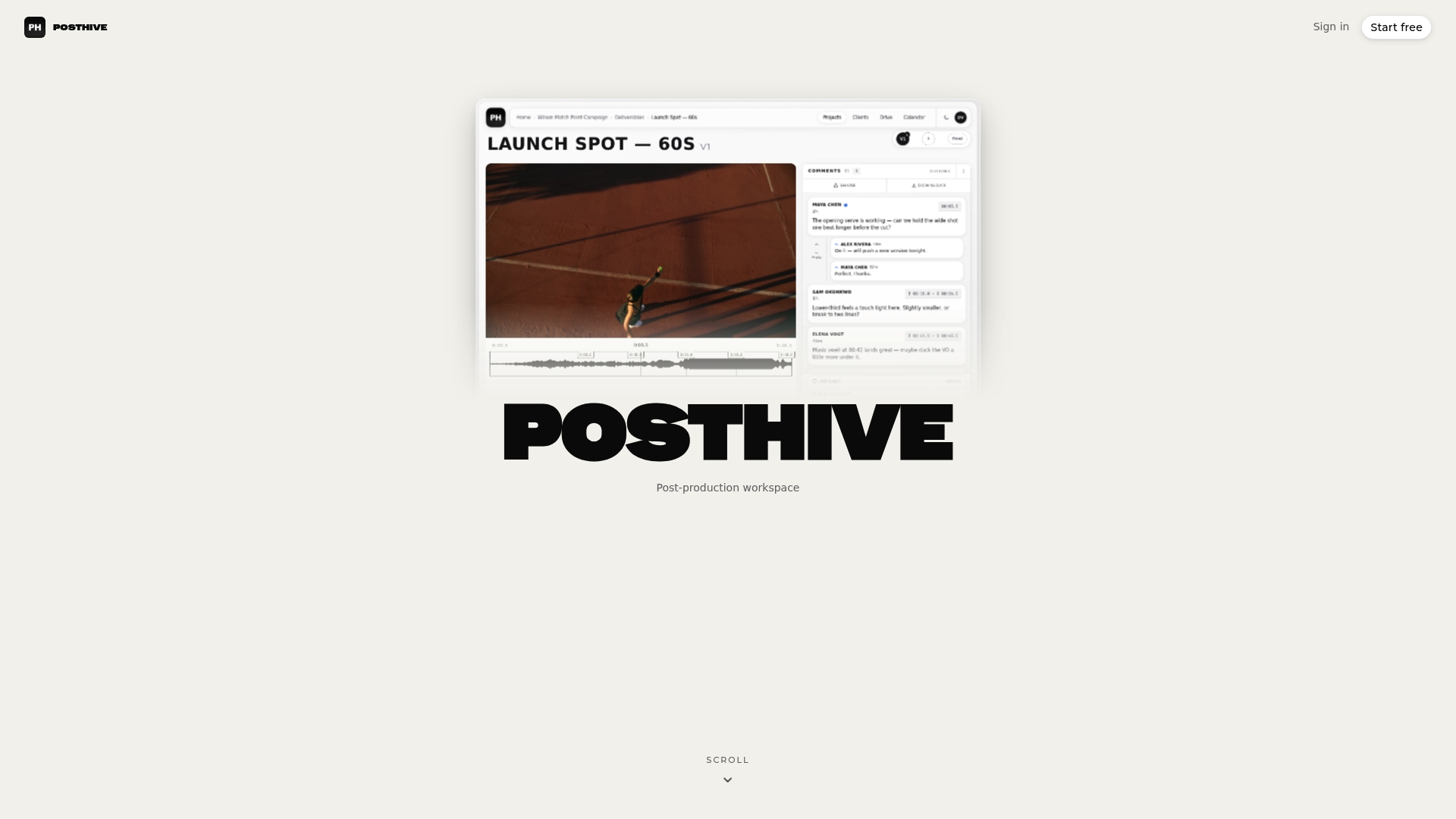
A zero trust approach is hard to sustain when your pipeline is five separate tools, each with its own sharing rules. Posthive puts project management, version control, review, approvals and secure media delivery in one workspace, so access decisions are made in one place. Clients keep ownership of their deliverables and versions, and every plan includes unlimited free seats, so editors, reviewers and clients can each have their own account rather than sharing credentials.
The Pro plan is $49 per month and Enterprise is $99 per month, with a free plan also available; see the pricing page for what each includes. To see how the workspace handles review and delivery, start from Posthive.
Our perspective
Most security failures we hear about in post-production are not exotic attacks. They are a shared login, a link that never expired, or a folder that held more than anyone remembered.
That is why we think of zero trust as a workflow habit before it is a technology. If every collaborator has their own seat, if each review round has a clear start and end, and if clients own and see their own versions, most of the principles fall into place naturally.
This is the reason we offer unlimited free seats on every plan. When adding a person costs nothing, nobody has a reason to borrow someone else’s account, and every action can be tied to a named person. Keeping version control, review, approvals and delivery in one workspace means the question “who can see this cut?” has one place to be answered.
Lorenz
A starter plan for this month
- List your high-tier material. Unreleased cuts, masters, anything under embargo.
- Give everyone a named account. Retire shared logins, including for clients.
- Turn on strong sign-in for every account that reaches high-tier files, and write down your recovery process.
- Share assets, not folders, and set an end date on every external grant.
- Close each round. At picture lock, approval or delivery, remove access that is no longer needed.
- Keep a record of approvals and deliveries so you can answer who had what.
Start with one active project. Once the routine works there, apply it to the rest.
FAQ
Is zero trust the same as two-factor authentication?
No. Two-factor sign-in is one part of it, covering how someone proves who they are. Zero trust also limits what each verified person can reach, expires that access, secures communications and records activity.
Does zero trust make file sharing with clients harder?
It should not. Clients get their own access to their own project, which is usually simpler than emailing links. The change is that access is scoped and time-limited, so you stop managing exceptions by hand.
What is the first step for a freelancer?
Stop sharing credentials and open links. Give each client and collaborator a named account scoped to one project, and remove it when the job ends. That single habit covers least privilege, expiry and traceability.
Do I need to follow MovieLabs or MPA guidance?
They are voluntary for small teams, but studios and distributors often use them as the basis for vendor requirements. Following them early makes security questionnaires easier to answer.
Sources
- MovieLabs: Recommended Practices for the Deployment of Zero Trust in Media Production
- Academy Software Foundation: Zero Trust Security Working Group presentation
- MovieLabs: CSAP Part 1, Architecture Description
- MovieLabs: Announcing CSAP Part 4
- TVBEurope: Securing media production with zero trust architecture
- Motion Picture Association: Content Security Best Practices
- GovCIO: NIST’s latest guidance bolsters identity management
- California Department of Technology: Technology Letter 25-05
- CISA: The Journey to Zero Trust, Microsegmentation Part One